
Creating a productive home office space is essential for anyone working remotely or running a business from home. A well-organized, comfortable, and inspiring workspace can improve your focus, reduce distractions, and help you maintain a healthy work-life balance. In this post, we’ll explore practical tips to set up a home office that supports productivity and comfort.
Choose the Right Location
Find a Dedicated Space
One of the first steps to building a productive home office is to choose a dedicated area for your work. This space should be separate from common living areas to minimize distractions. If possible, select a quiet room with a door you can close, giving you privacy during meetings or focused work.
Consider Natural Light
Natural light can enhance mood and reduce eye strain. Try to set up your desk near a window to take advantage of daylight. If your space lacks natural light, invest in good quality artificial lighting that mimics daylight to keep your workspace bright and inviting.
Invest in Comfortable Furniture
Choose an Ergonomic Chair
Comfort is key during long work hours. An ergonomic chair that supports your posture can prevent back pain and increase endurance. Look for chairs with adjustable height, lumbar support, and comfortable cushioning.
Select a Suitable Desk
Your desk should be spacious enough to hold your laptop, monitor, and other essentials while leaving room to work comfortably. Adjustable desks that allow both sitting and standing positions are great for promoting movement and reducing fatigue.
Organize Your Workspace
Declutter Regularly
A cluttered desk can distract and overwhelm. Keep only the essentials on your workspace and store everything else in drawers or shelves. Regularly tidying your space can help maintain focus and reduce stress.
Use Storage Solutions
Invest in organizers, filing cabinets, or shelves to keep documents, supplies, and equipment orderly. Label storage containers to save time when searching for items.
Minimize Distractions
Set Boundaries with Others
If you share your home with family or roommates, let them know your work hours and when you need uninterrupted time. Setting clear boundaries helps reduce unexpected interruptions.
Limit Digital Interruptions
Turn off non-essential notifications on your computer and phone while working. Using productivity apps or browser extensions to block distracting websites can also improve your concentration.
Personalize Your Space
Add Inspiring Decor
Surround yourself with items that motivate you, such as artwork, plants, or meaningful photographs. A personalized environment can boost your mood and creativity.
Incorporate Greenery
Plants not only beautify your space but also improve air quality and reduce stress. Choose low-maintenance indoor plants that thrive in your workspace’s lighting conditions.
Optimize Technology Setup
Use Reliable Equipment
Ensure your computer, monitor, keyboard, and mouse are in good working condition. Investing in quality equipment reduces frustration and technical difficulties.
Manage Cables and Chargers
Messy cables create a chaotic look and can be a tripping hazard. Use cable organizers, clips, or sleeves to keep cords neat and accessible.
Maintain a Healthy Work Routine
Take Regular Breaks
Sitting for extended periods can affect your health and focus. Follow the 20-20-20 rule: every 20 minutes, look at something 20 feet away for 20 seconds. Also, stand up and stretch or take short walks throughout the day.
Keep Hydrated and Nourished
Place a water bottle at your desk to stay hydrated. Healthy snacks can also help maintain energy levels.
Conclusion
Designing a productive home office is about balancing comfort, organization, and personalization. By thoughtfully selecting your location, investing in ergonomic furniture, keeping your space organized, minimizing distractions, and taking care of your health, you can create an environment that supports success and well-being. Whether you’re new to remote work or looking to improve your setup, these tips will help you build a home office space that encourages focus and productivity.
Related Posts
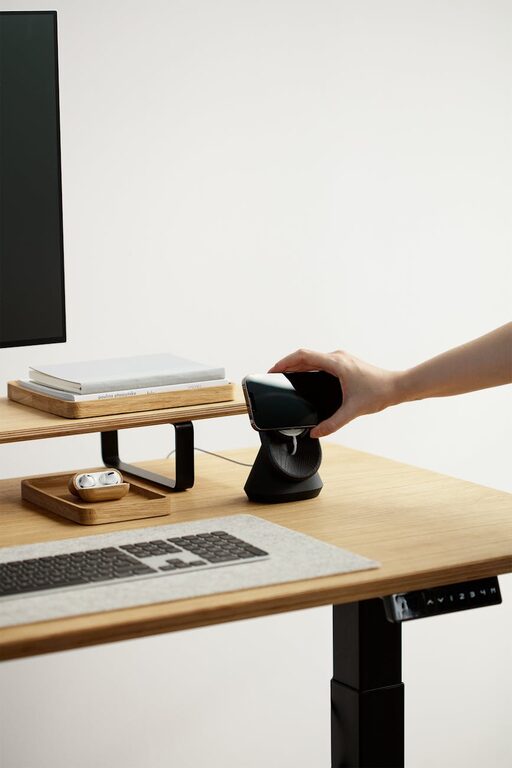
Tips for Creating a Cozy and Inviting Home Office Space
Creating a home office that feels both cozy and inviting…

Tips for Creating a Cozy Reading Nook in Your Home
Creating a cozy reading nook in your home is a…
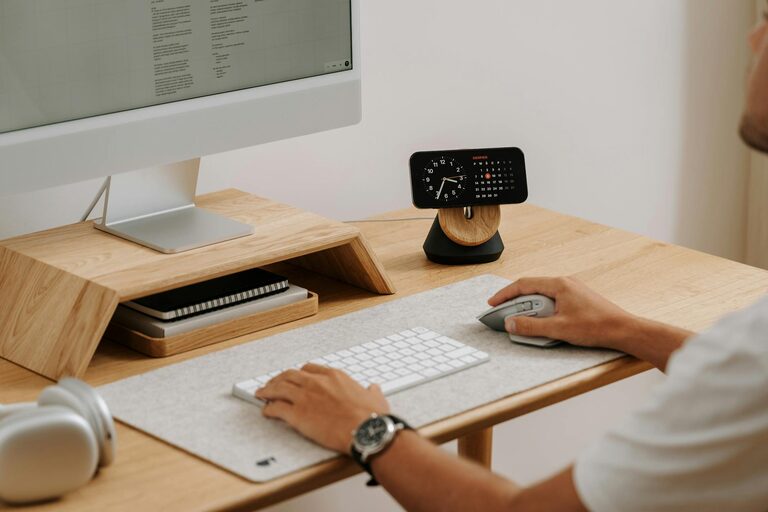
Tips for Creating a Cozy and Productive Home Workspace
Creating a home workspace that balances comfort with productivity can…